Server management and virtualization for businesses in Egypt
We look after the servers your business runs on, physical and virtual, Linux and Windows. They're patched, backed up, monitored and documented, and we plan capacity ahead of time.
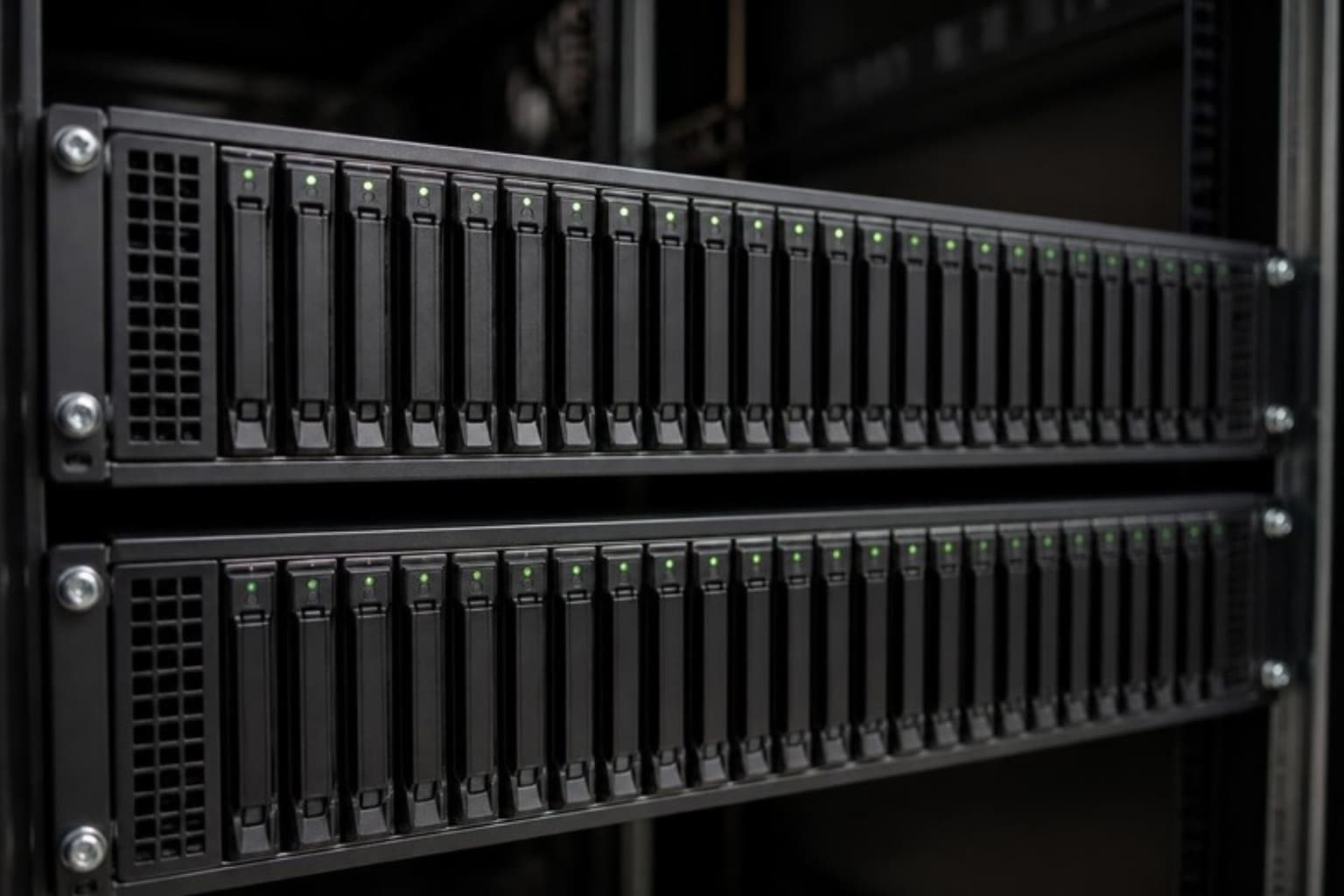
Your servers are patched and watched, and their replacement is planned before it's urgent.
Fewer surprises
Patches go on a schedule, disks and capacity are watched, and warranty dates are tracked. Monitoring finds problems before a department finds it can't open its files.
Resilience for critical systems
Critical systems are designed so one failed host or disk doesn't stop the business, with high availability, redundant storage and tested backups.
A clear picture before you spend
Before you renew licences or buy hardware, you see what you run, what it takes to keep it, and which options make sense.
What we run for you
One server in a back room or a small cluster in a rack. We build it, operate it, patch it and plan for it.
Virtualization
- Proxmox VE, VMware ESXi and Hyper-V hosts
- High-availability clusters for critical workloads
- Standard templates for virtual machines
- Docker containers, and Kubernetes where it fits
- Resource and capacity reviews
Servers and operating systems
- Physical server installation and hardware health
- Linux administration: Ubuntu, Debian, RHEL
- Windows Server administration and file services
- Scheduled patching with a way to roll back
- Directory services, user accounts and permissions
Storage
- NAS and SAN storage, including TrueNAS
- Disk health and capacity monitoring
- Snapshots and replication for quick rollback
- Shared storage for virtualization clusters
- Nextcloud for file sharing on your own servers
Migrations and planning
- VMware to Proxmox evaluations for companies reviewing licensing costs
- Physical-to-virtual and host-to-host migrations
- Hardware refresh planned before warranties end
- Moves between on-premises and cloud servers
- Documentation of every host, virtual machine and credential
Under a managed IT agreement, this runs the same way as the rest of your IT. It's documented and shared with you, monitored continuously, supported through the client portal with a target on every request, and covered in a monthly report.
See how managed IT worksIt's also available as a one-off project, for example a new office, a migration or an audit.
Who it's for
Companies running their own servers
File servers, accounting systems, ERP databases or business applications on hardware in your office. We keep them healthy and make sure someone is accountable for them.
Companies reviewing VMware
If licensing costs have you looking at alternatives, we assess whether Proxmox VE or Hyper-V would serve you as well, and plan a tested migration if it would.
Ageing hardware
Servers out of warranty or close to capacity. We plan the replacement before a failure decides the timing.
Technologies we work with: Proxmox VE, VMware ESXi, Hyper-V, Windows Server, Linux (Ubuntu, Debian, RHEL), TrueNAS, Docker, Kubernetes, Nextcloud
Some of the companies we work with
Questions we're asked
Should we move from VMware to Proxmox?
Sometimes. Many companies are re-evaluating licensing costs, and Proxmox VE is a capable open-source platform for many workloads. Before recommending a move, we look at the features you actually use, your backups, your team's familiarity and the risk of the migration itself. If staying is the better answer, we'll tell you.
Can you manage servers another company set up?
Yes. We start with an assessment that documents each server, what runs on it, how it's backed up and who has access. Anything urgent, such as a missing backup, an unpatched system or a failing disk, is dealt with first.
Should our servers be in the office or in the cloud?
It depends on the application, your internet links and how you prefer to pay. Some systems belong on a server in your office, and others are simpler to run in the cloud. We advise on each system and manage both.
What happens if a server fails?
That depends on how it was designed. Clustered systems move to another host. Others are restored from backup according to your recovery plan. Monitoring alerts us when a server or disk shows warning signs, so we can act before a failure wherever possible.
Let's talk about your IT.
Tell us how IT is handled in your company today. One of our engineers reads it and gets back to you. The first conversation is free and doesn't commit you to anything.
What happens next
- You tell us about your environment
- We review your needs
- We schedule a conversation
- We propose the right approach