Backup and disaster recovery for businesses in Egypt
We check backups by restoring from them, keep copies away from your office, and agree a written plan that says what comes back first when something goes wrong.
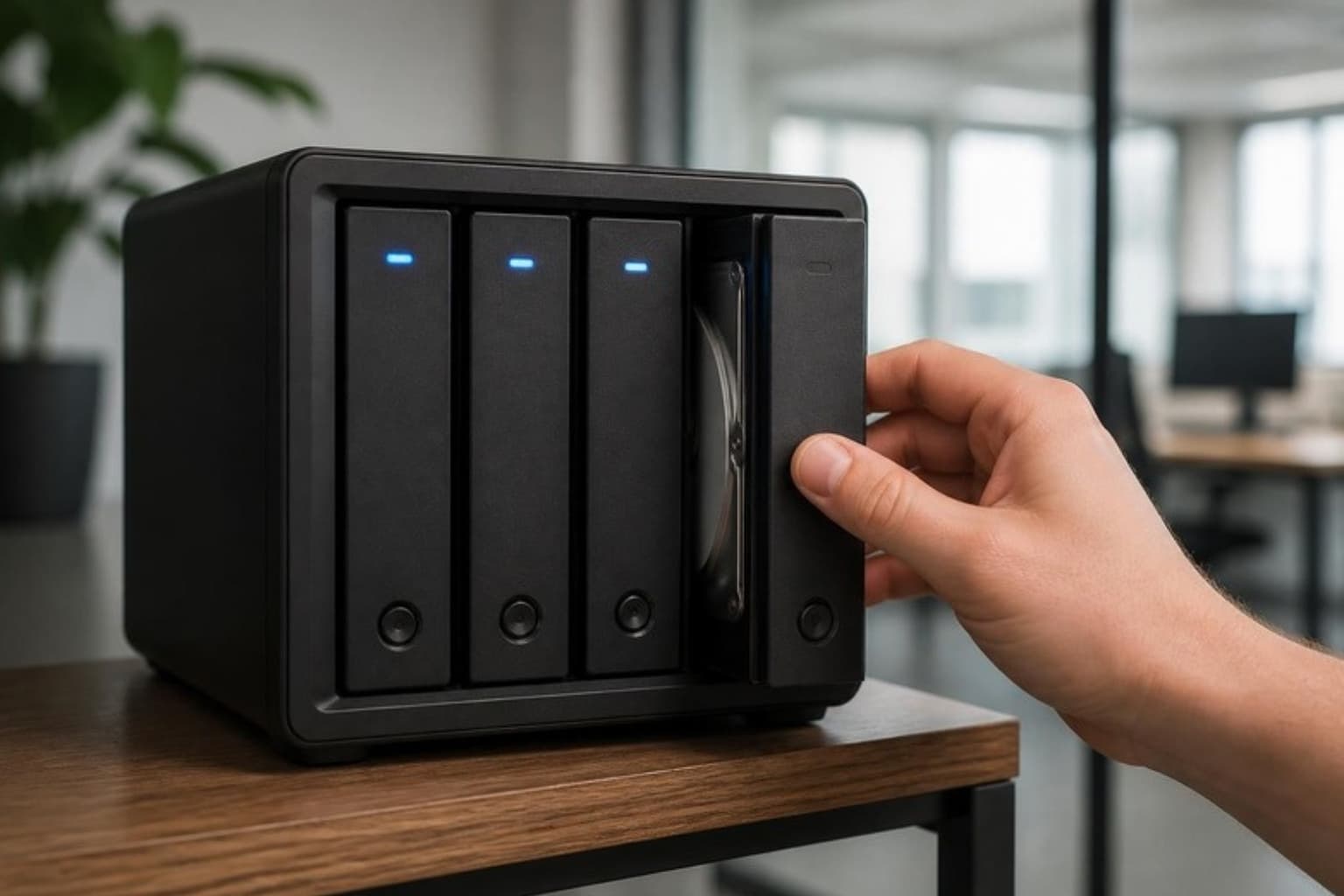
When something goes wrong, you already know what happens next.
Backups you've seen work
We test restores as well as backup jobs. A green tick shows a job ran. A restore test shows your files, databases and servers actually come back.
A copy kept apart
Fire, theft, a failed storage array or ransomware: an off-site or cloud copy, separate from your everyday systems, means one incident can't take everything.
A written recovery plan
Agreed with you in advance: which systems come back first, how much data each can afford to lose, who does what, and who you call.
What we protect, and how
We start with your business: what you can't work without, how long you can be down, and how much data you can afford to lose.
What gets backed up
- Servers, virtual machines, databases and business applications
- File shares and NAS storage
- Workstations holding data that lives nowhere else
- Google Workspace data and cloud mailboxes, where your setup needs it
- Firewall and network configurations
Where copies are kept
- Local copies for fast restores
- Off-site or cloud copies, away from your office
- Copies that everyday accounts can't change or delete
- Encryption for every copy that leaves your premises
- Retention set per system, so you know how far back you can go
Testing and checks
- Scheduled restore tests, with the results recorded
- Backup jobs monitored, with an alert when one fails
- Backups verified as a routine check in site-visit reports, on plans with visits
- Backup scope reviewed whenever systems are added or changed
Recovery and ransomware readiness
- A written recovery plan with priorities per system
- Recovery point and recovery time objectives agreed with you
- Ransomware response steps: isolate, assess, restore clean
- Separate credentials for the backup system
- Recovery rehearsals for your most critical systems
Under a managed IT agreement, this runs the same way as the rest of your IT. It's documented and shared with you, monitored continuously, supported through the client portal with a target on every request, and covered in a monthly report.
See how managed IT worksIt's also available as a one-off project, for example a new office, a migration or an audit.
Who it's for
Companies that have never tested a restore
There's probably a backup, but nobody has tried to bring a server or folder back from it. We find out what actually works, then close the gaps.
Businesses where downtime costs money
If a day without accounting, operations or customer records is a serious problem, the recovery plan decides how quickly you're working again.
Companies worried about ransomware
Ransomware goes after backups too. We keep a copy it can't reach, and a rehearsed way to restore from it.
Technologies we work with: Proxmox VE, VMware ESXi, Hyper-V, TrueNAS, Windows Server, Linux (Ubuntu, Debian, RHEL), Google Workspace, Nextcloud
Some of the companies we work with
Questions we're asked
We already have backups. Why would we need this?
Backup problems usually show up during a restore, which is the worst time to find them. Common ones are jobs that quietly stopped months ago, copies on the same disk or server as the original, and backups that ransomware could reach. We check what you have, test a restore and tell you plainly where you stand.
How often are restores tested?
The schedule is set in your agreement, based on how critical each system is, and every test is recorded. On plans with site visits, verifying backups is a routine check in each visit report, which your company admins can read in the Corepath client portal.
Can backups protect us from ransomware?
They're your way back, as long as the attacker can't reach them. That means a copy kept apart from your everyday network and accounts, protected credentials for the backup system, and a tested plan for restoring clean systems. Our cybersecurity service covers the rest of the defence.
Where is our data stored, and who owns it?
Your data is yours. Local copies stay on storage in your office. Off-site copies are encrypted and kept in a location agreed with you. The documentation, credentials and recovery plan belong to your company, so you're never locked in to us.
Let's talk about your IT.
Tell us how IT is handled in your company today. One of our engineers reads it and gets back to you. The first conversation is free and doesn't commit you to anything.
What happens next
- You tell us about your environment
- We review your needs
- We schedule a conversation
- We propose the right approach